
Comparison
GreenGalaxy vs Skool
For creators selling cohorts, expert communities and learning spaces, the gap usually appears after the meeting, course, portal visit or community post. feeds and course lists can support members without making the offer feel spatial or memorable.
Teams use GreenGalaxy when the experience itself needs to become part of the sales, learning, community or partner journey.
Where Skool works well
Skool should stay in the stack when its core job is needed. Paid communities and courses can still be the right tool for communication, coordination or content operations.
When the offer is complex, the audience needs more than a useful work surface. It needs a guided place where the proof and next action stay connected.
Keep the useful tool
Use Skool for the workflow it already handles well.
Add a room where context matters
Use an XR room when the product, training, community or event needs memory and presence.
Connect the next step
Make demo booking, beta access, creator onboarding or partner contact visible inside the journey.
The practical difference
The practical gain is memory. People can revisit the environment, show it to colleagues and continue from the same context later.
The benefit for creators selling cohorts, expert communities and learning spaces is a cleaner route from interest to action.
When to choose GreenGalaxy
The clearest signal is repeated explanation. When teams keep re-telling the same story, a persistent room starts to pay back quickly.
That keeps adoption realistic: existing workflows stay intact while the important experience becomes easier to understand.
Product demos
Give prospects a place to understand the offer before and after the live conversation.
Training and onboarding
Let learners revisit the environment instead of searching through modules and links.
Communities and events
Turn attention into a place people can return to after the moment has passed.
Next step
If Skool already handles the meeting, message or portal layer, map the first GreenGalaxy room around the journey where context keeps breaking.
GreenGalaxy Vision
Temporary interaction versus persistent workspace
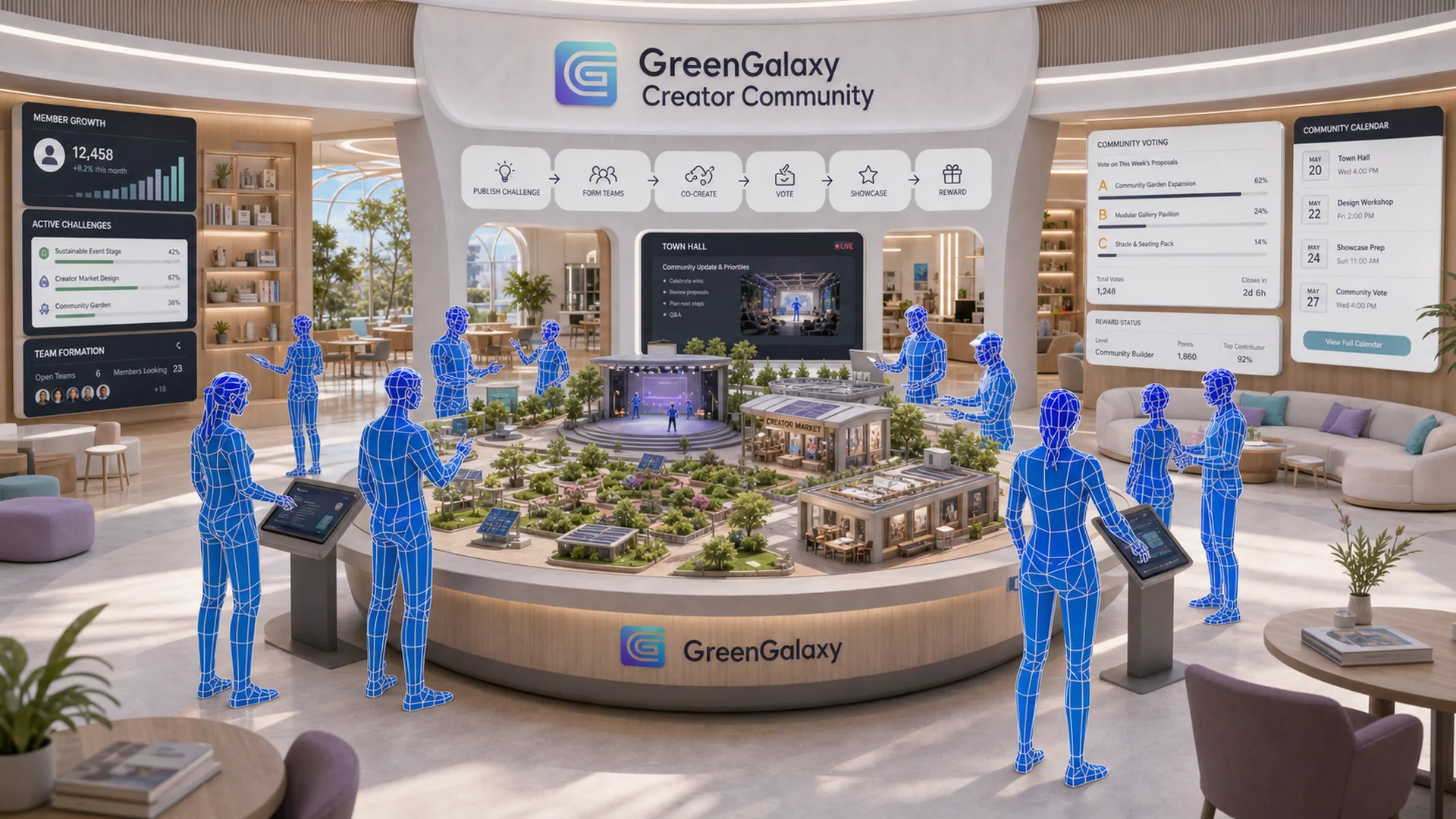
GreenGalaxy is becoming the place where shared context, continuity and the next action remain available beyond a temporary interaction.

Conceptual platform direction. Availability and product status follow confirmed GreenGalaxy product evidence.
Executive summary
The decision in one minute
Skool combines communities, courses and gamified member participation. Skool is strongest for creators seeking a simple community and course platform. GreenGalaxy is the stronger fit when the business needs a browser-first, persistent immersive workspace that can remain available across sessions and devices.
Quick winner table
| Decision | Best fit | Why |
|---|---|---|
| Core creator platforms workflow | Depends on the primary job | Choose the specialist tool when its primary workflow is the whole requirement. |
| Persistent immersive destination | GreenGalaxy | The workspace is designed to keep context, content and next actions available. |
| Lowest-friction entry | GreenGalaxy | Browser-first access supports entry without requiring a headset. |
Feature comparison
Skool
Optimized around creators seeking a simple community and course platform.
Access: Browser First, Mobile, Desktop.
GreenGalaxy
Persistent browser-first XR workspaces for demos, training, onboarding, communities and events.
Access direction: browser, desktop, mobile, tablet and optional VR.
Use cases
Choose Skool
Use it when the priority is its established creator platforms workflow or native ecosystem.
Choose GreenGalaxy
Use it when audiences need to explore a product, learn, onboard, meet or return to a shared immersive destination.
Use both
Keep the specialist workflow and connect it to a persistent GreenGalaxy destination where context must continue.
Skool strengths
- Clear specialist category and established workflow.
- Best suited to creators seeking a simple community and course platform.
- Useful when immersive persistence is not the primary requirement.
Weaknesses for this decision
- Its core workflow may end when the call, session or portal visit ends.
- Browser-first immersive continuity may not be the product’s central design goal.
- Teams should validate device, ecosystem and content ownership constraints.
Business fit
Skool fits Startup, SMB buyers whose primary need is creator platforms. GreenGalaxy fits teams that want one persistent place for a high-value business journey rather than another temporary interaction.
Pricing overview
Compare total cost rather than headline license price: platform access, user model, devices, content production, implementation, governance and ongoing operations. Pricing changes over time, so confirm current commercial terms directly with each vendor before deciding.
Migration considerations
- Identify the workflow that should remain in Skool.
- Select one journey where persistent context creates measurable value.
- Define audience, device access, content ownership and success criteria.
- Launch a focused GreenGalaxy room before expanding the operating model.
Decision matrix
| If your priority is… | Recommended direction |
|---|---|
| Specialist creator platforms workflow | Start with Skool |
| Browser-first persistent XR workspace | Start with GreenGalaxy |
| Existing workflow plus immersive continuity | Evaluate a complementary setup |
Final recommendation
Choose the operating model, not the longest feature list.
Keep Skool when its specialist workflow solves the complete job. Choose GreenGalaxy when the experience must persist, remain explorable and lead the audience toward a next action. When both needs exist, evaluate them as complementary layers.
Related comparisons
Validate your decision
See whether a persistent workspace fits your use case.
Bring your audience, workflow and existing stack. We will map the first practical GreenGalaxy room with you.
Book Demo